
The current transaction is the set of forms in the open file that have entries. It is what Current transaction lists in the PDF/Esign window, and what gets generated or sent for signature.
View the transaction
Click Transaction in the status bar at the bottom right of the window.

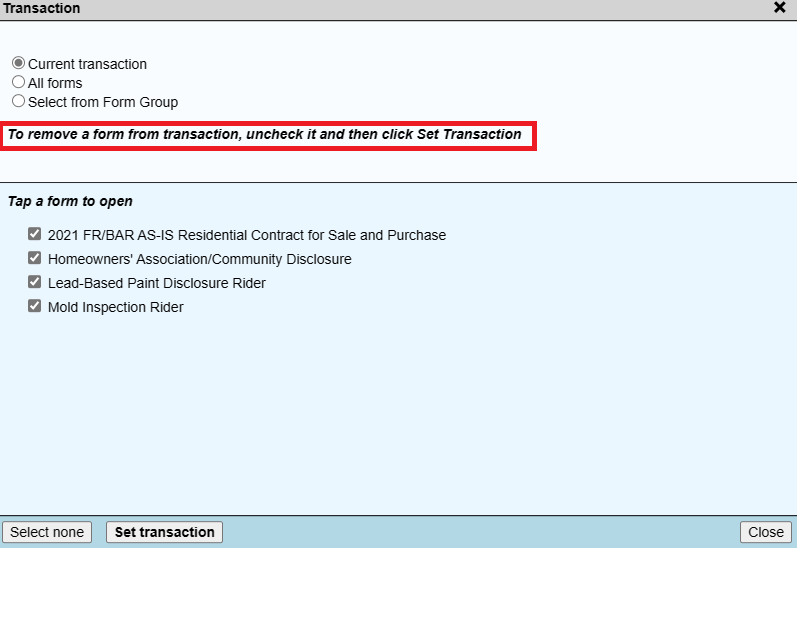
You can also click PDF/Esign and choose Current transaction to see the same list.
Add or remove forms
- To add a form, open it with Select Form and make an entry. It joins the transaction automatically.
- In the Transaction window, choose All forms, check or uncheck forms, then click Set transaction.
- To remove a form, uncheck it under Current transaction and click Set transaction.