
In some form sets, the top of the first page of each form carries a header with a firm or individual name, address, telephone number and email address. Whether you can edit the header depends on the form set and on your license.
Edit the header
- Click Settings on the menu bar.
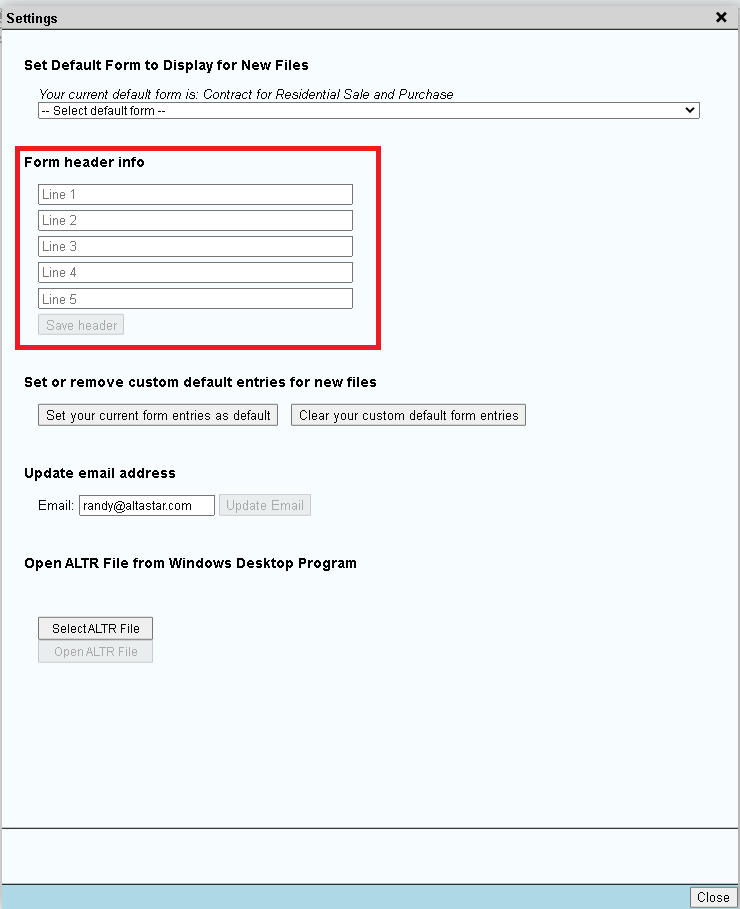
- Under "Form header info", enter or change the name, address, telephone and email.
- Close the Settings window. The header prints on the next PDF you generate.
Fields that are greyed out are not available under your subscription.