
Strikeout lets you strike through pre-printed text on a form by dragging across it. It is included in Alta Star Forms Online Basic Edition. Premium Edition subscribers have MarkupMaster, which adds inserted and replacement text.
Turn strikeout on
Click the On radio button on the menu bar.

The Strikeout bar opens.
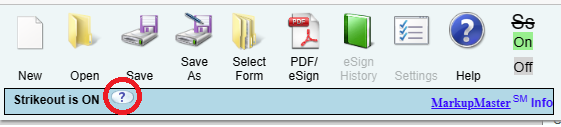
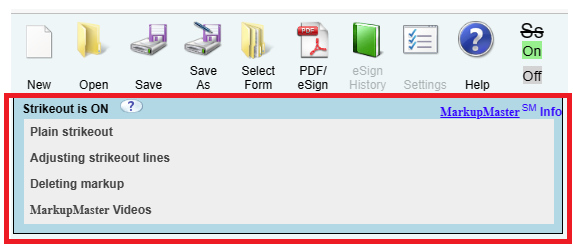
Click the ? icon on the bar to open the Strikeout panel, which has instructions for each option.
Strike through text
With strikeout on, press the mouse button at the start of the text, drag across it, and release at the end. You can drag across one line or several.
- One line, or two or three lines: each line gets a straight horizontal strikeout.
- Four or more lines: the block gets a single Z-style strikeout.
Click Off when you are finished so that ordinary clicks fill in fields again.
Delete a strikeout
- Click one of the circles at the ends of the strikeout.
- Click the red X that pops up.
