
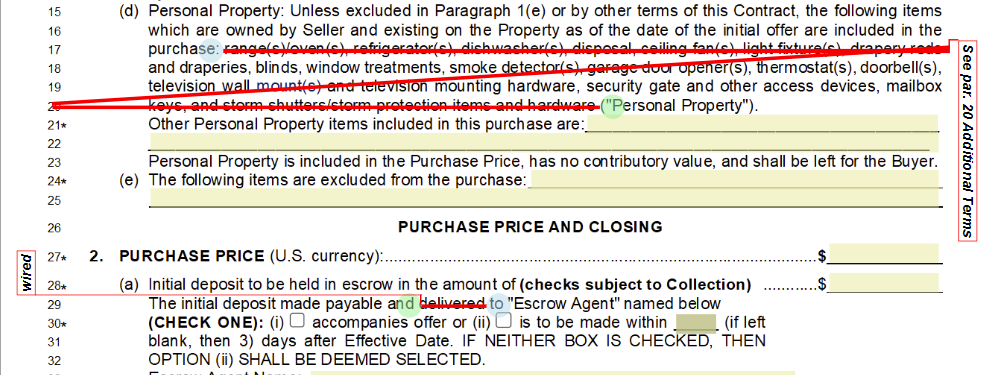
MarkupMaster is included in Alta Star Forms Online Premium Edition. It does everything Strikeout does, and it also lets you add text to a form with a graphic that shows whether the text is an insertion or replaces existing text.
The quickest way to see what it can do is the short animation at mm.altastar.com.
Turn MarkupMaster on
Click the On radio button on the menu bar.

The MarkupMaster bar opens. Use it like plain strikeout, with the extra option of typing text to insert into the document.
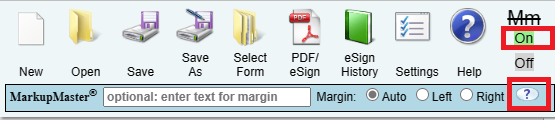
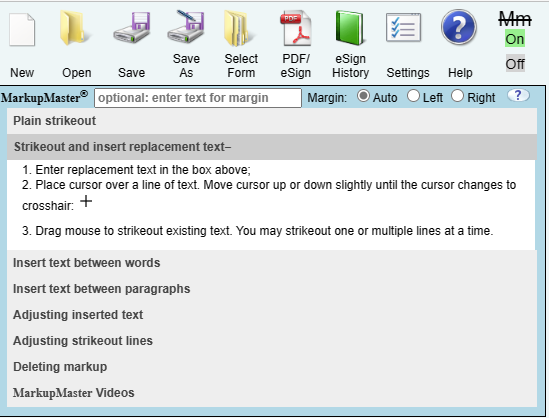
Click Help on the bar for a panel of instructions. Click any topic in the panel.
Examples
Delete a markup
- Click one of the circles at the ends of the markup or strikeout.
- Click the red X that pops up.
