
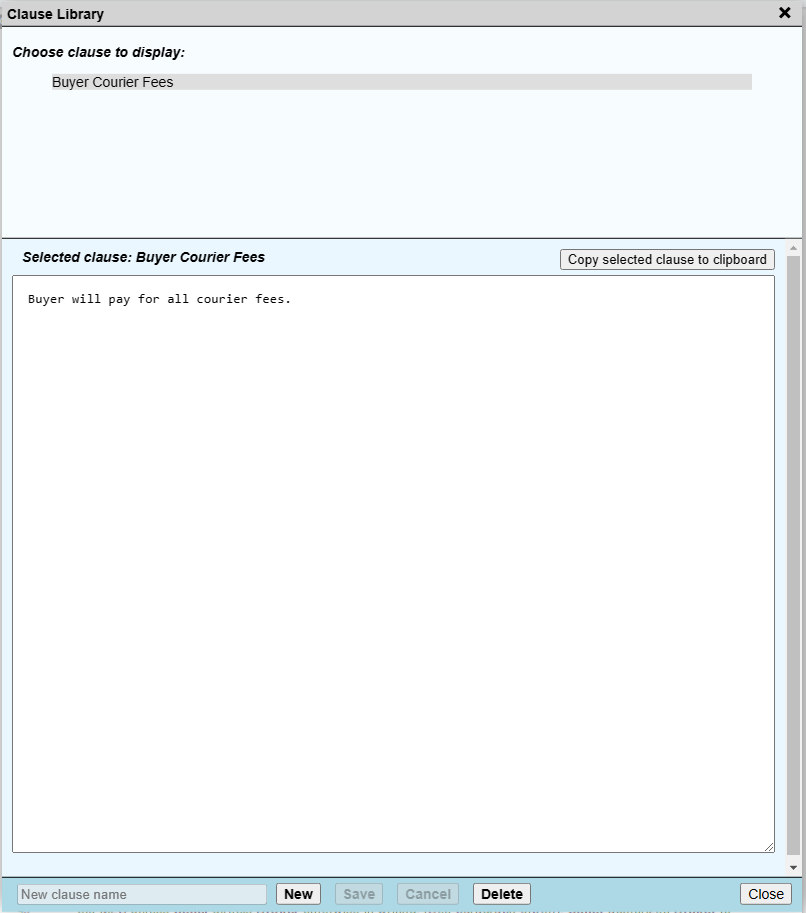
The Clause Library holds your own clauses, phrases and paragraphs. Save them once, then paste them into a field whenever you need them.
Open the Clause Library
Click Clause Library in the status bar at the bottom of the window.

Add a clause
- Click New.
- Enter a name for the clause.
- Type or paste the text of the clause in the large box.
- Click Save.
Use a clause
- Click the name of the clause.
- Click Copy selected clause to clipboard.
- Click in a form field large enough for the text and paste.