
Open a saved file
- Click Open on the menu bar.
- Click the file you want in the list. Use the year selector to show older files.
- Click Open.

The file opens on the form you were working on when you last saved. If the file holds other forms, use Select Form to switch to them.
Note: If another user has shared files with you, the Open window has a second tab, Shared by Others. See Sharing Files.
Files from the Windows desktop program
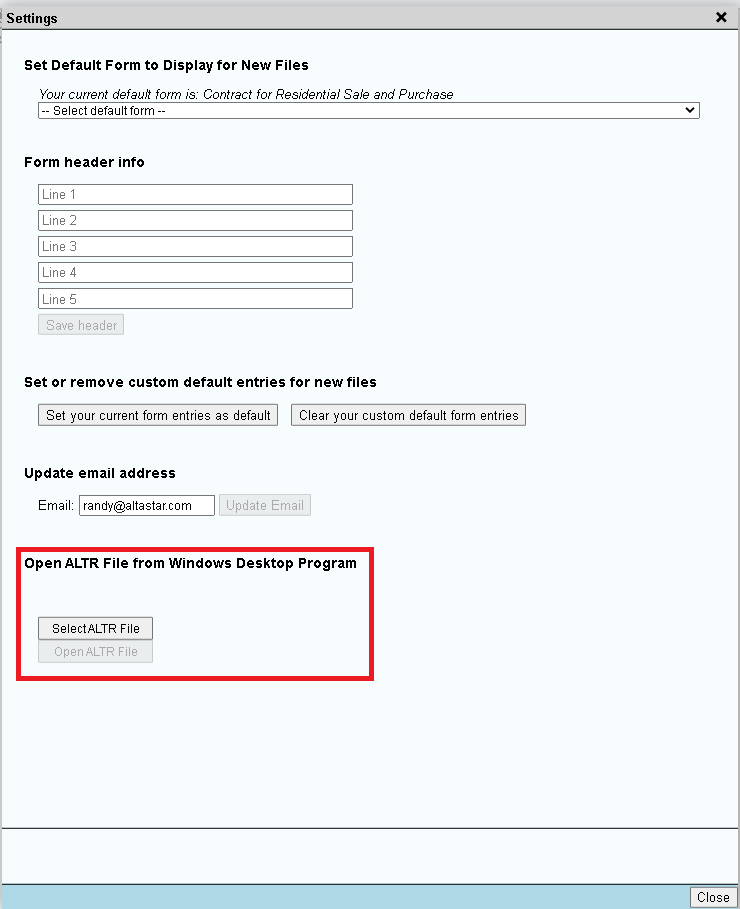
Files saved by Alta Star's installed Windows desktop program (ALTR files) can be opened in Alta Star Forms Online.
- Click Settings.
- Under "Open ALTR File from Windows Desktop Program", click Open ALTR File and choose the file on your computer.

If a file will not open this way, you can still copy entries from the Windows program and paste them into the fields in Forms Online. See Entering Text and Dates.